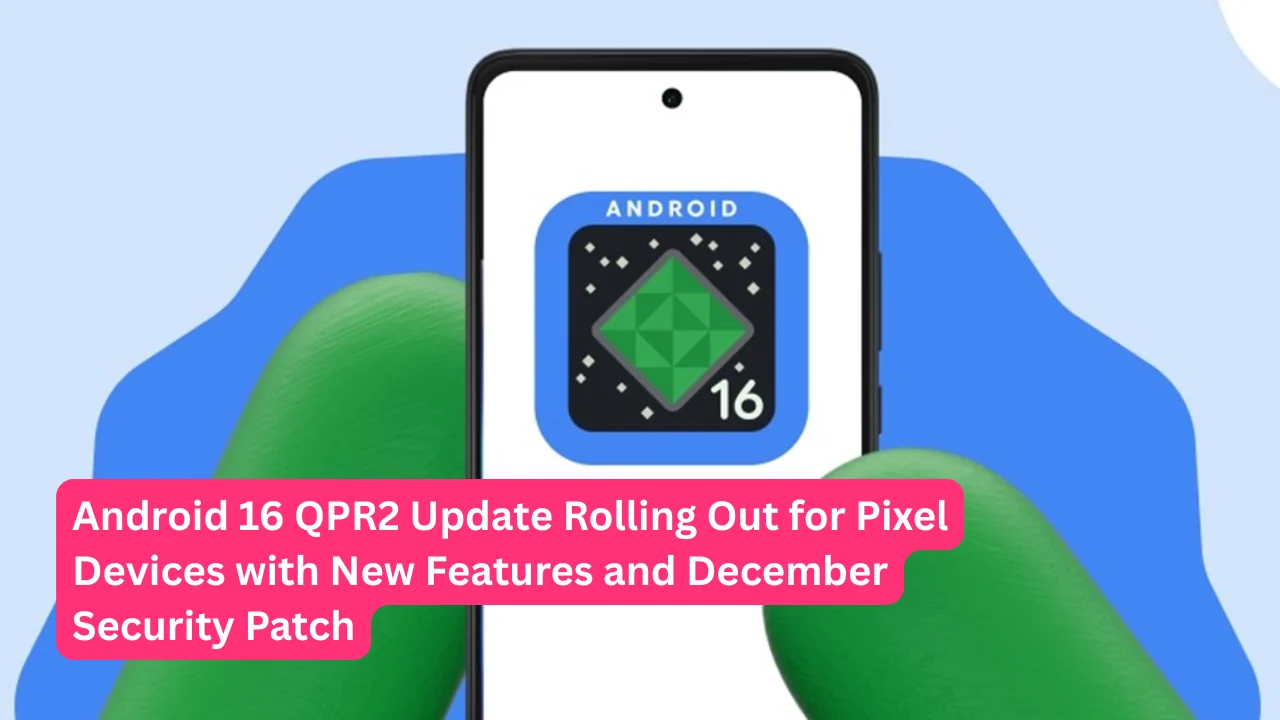

Google has officially started rolling out the Android 16 QPR2 update for eligible Pixel smartphones and tablets. This is the second quarterly platform release for Android 16 and it brings exciting new customization options, productivity tools and important security fixes.
The update is now available for Pixel 6 series and newer devices including the latest Pixel 10 lineup. Android 16 QPR2 comes bundled with the December 2025 security patch that addresses 33 vulnerabilities making your device more secure. This update marks a significant shift in how Google delivers Android features with a new release strategy that brings updates twice a year instead of just once.
The Android 16 QPR2 update is designed to give users more control over their devices with fresh customization features. You can now change the shape of your app icons on the home screen choosing from circles, squares and other geometric designs.
The update also introduces an expanded dark theme that forces apps without native dark mode support to display darker interfaces. For parents there is a new built in parental controls dashboard that makes it easier to manage screen time and app usage for children.
The notification system gets smarter with AI powered organization that groups low priority alerts into categories like promotions and news. Lock screen widgets have finally arrived on Pixel phones after debuting on the Pixel Tablet last year. Split screen multitasking now supports a 90:10 ratio allowing you to focus on one app while keeping another visible in a small window.
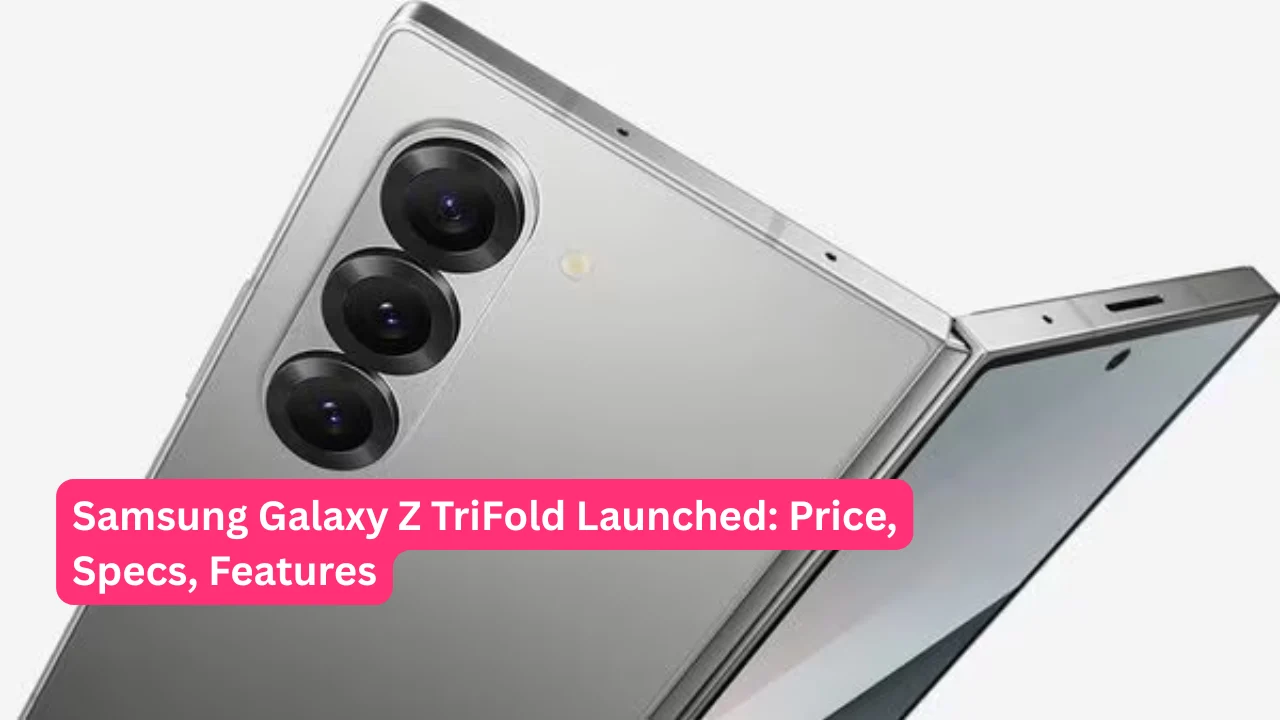
Also Read: Samsung Galaxy Z TriFold Launched: Price, Specs, Features and Everything You Need to Know
Key Takeaways
- Android 16 QPR2 is rolling out to Pixel 6 series and newer devices with December 2025 security patch
- New customization options include custom icon shapes, auto themed icons and expanded dark theme
- AI powered notification organizer groups low priority alerts into categories automatically
- Lock screen widgets are now available on Pixel phones for quick access to information
- Split screen mode gets 90:10 ratio for better multitasking on phones and tablets
- Identity Check security feature expands to third party apps and smartwatch support
- Linux Terminal now supports running desktop applications with graphical interfaces
- Built in parental controls dashboard helps manage screen time and app restrictions
- Enhanced touchpad and mouse support with action corners and autoclick improvements
Which Devices Get Android 16 QPR2 Update
Google is rolling out Android 16 QPR2 to a wide range of Pixel devices. The eligible devices include:
Pixel 6, Pixel 6 Pro, Pixel 6a, Pixel 7, Pixel 7 Pro, Pixel 7a, Pixel Tablet, Pixel Fold, Pixel 8, Pixel 8 Pro, Pixel 8a, Pixel 9, Pixel 9 Pro, Pixel 9 Pro XL, Pixel 9 Pro Fold, Pixel 10, Pixel 10 Pro, Pixel 10 Pro XL and Pixel 10 Pro Fold.
This covers essentially every Pixel device from the Pixel 6 generation onwards ensuring a large number of users can benefit from the new features. The update is being distributed in phases so not all devices will receive it at the same time. Users enrolled in the Android Beta Program will need to opt out to receive the stable version although the transition will not wipe device data.
What Makes Android 16 QPR2 Special
This update is historically significant because it represents the first minor SDK release under Google’s new update strategy.
Instead of releasing one major Android version per year Google is now delivering two updates annually with a major release in June and a minor release in December. Android 16 QPR2 increments the API level to 36.1 allowing developers to access new features faster without waiting for the next major version.
This change benefits both app developers and smartphone manufacturers who can now align their product launches with the latest Android capabilities. The update focuses primarily on additive changes that enhance user experience without breaking existing app compatibility making it safe for everyone to install.
Top Customization Features in Android 16 QPR2
One of the most exciting additions is the ability to customize app icon shapes on your home screen. You can choose from five different shapes including circle, square, squircle, scallop and rounded rectangle through the Wallpaper and style settings menu.
This feature only applies to the home screen and not the app drawer or settings. Another customization win is auto themed icons which automatically applies color filtering to apps that do not provide their own themed versions.
This creates a more uniform and cohesive look across your entire home screen matching your wallpaper colors perfectly. The expanded dark theme is another major improvement that attempts to darken apps which lack native dark mode support.
Unlike basic color inversion this feature intelligently avoids inverting images and targets specific UI elements for better results. You can find this setting under display and dark theme options.
Productivity Gets a Major Boost
The notification organizer feature uses on device AI to automatically sort your alerts into categories. Low priority notifications like promotions, news and social updates are grouped at the bottom of the notification shade keeping your important alerts front and center.
This feature is available on Pixel 9 and newer devices for English language notifications. Lock screen widgets bring glanceable information right to your lock screen without needing to unlock your phone. You can add up to three widgets per page and swipe between multiple pages for more options.
Just remember that anyone can view these widgets without authentication so avoid adding sensitive information.
The 90:10 split screen mode revolutionizes multitasking by letting you dedicate most of your screen to one app while keeping another accessible in a small window. Tapping the smaller window swaps the positions giving you quick access to both apps without closing either.
Security and Privacy Enhancements
Identity Check now extends its protection to third party apps that use biometric authentication. When you are outside a trusted location the feature prevents anyone from using your PIN to bypass biometric locks on banking apps or messaging services.
The update also integrates smartwatch support so Identity Check remains dormant when your Pixel Watch is connected assuming the phone is still in your possession. SMS OTP hijacking protection has been added to prevent malicious apps from stealing two factor authentication codes sent via text message.
The system suppresses broadcast messages and filters database queries for three hours whenever an SMS with a retriever hash is received. A new system level security state called Secure Lock Device can be remotely enabled through Find My Device although Google has not yet activated this functionality. Additionally there is now a toggle to disable Failed Authentication Lock which automatically locks your device after five consecutive failed authentication attempts.
Linux Terminal and Developer Features
The Linux Terminal app now supports graphical desktop applications allowing developers to run programs like Chromium, GIMP and LibreOffice directly on their Android devices. You can launch a graphical session by tapping the display button in the terminal app.
Performance may be sluggish initially until GPU acceleration arrives in a future update. The terminal also gained expanded file access beyond just the downloads folder giving you access to nearly all shared storage.
For mouse and touchpad users there are new action corners that trigger specific actions when you move the cursor into screen corners. The autoclick feature received a major overhaul with visual indicators, an overlay menu and fine tuned settings for click delay and movement sensitivity.
Universal cursor support lets the pointer flow seamlessly between your phone and external displays for a more desktop like experience.
Parental Controls and Additional Features
Android 16 QPR2 introduces a dedicated parental controls menu directly in the settings app. Parents can set daily screen time limits, schedule downtime to automatically lock the device at night and restrict specific apps with timers or complete blocks.
The menu can be secured with a PIN to prevent children from bypassing restrictions. It also serves as a gateway to Google Family Link for broader controls like school time and location alerts. Health Connect now automatically tracks steps using your device sensors making fitness data available to connected apps without requiring manual setup.
The photo picker gained a date scrubber for quickly scrolling through your collection and a voice search button for finding images faster. Enhanced HDR brightness controls let you adjust or completely disable the screen brightening effect associated with HDR content making viewing more comfortable in low light conditions.
How to Install Android 16 QPR2
Installing the update is straightforward for eligible Pixel device owners. Navigate to settings then system and tap on system update.
Press the check for update button and if the update is available follow the on screen prompts to download and install it. Your device will restart automatically to complete the installation process. Users running Android 16 QPR2 Beta 3.3 will receive a small update to transition to the stable release.
Those enrolled in the Android Beta Program must opt out through the Android Beta website to receive the stable version but this will not wipe device data once the stable over the air update becomes widely available.
The rollout is happening gradually so it may take several days before all eligible devices receive the notification. You can manually check for updates multiple times if the over the air update has not appeared on your device yet.
What This Means for the Future
Android 16 QPR2 sets the stage for a faster innovation cycle in the Android ecosystem. By delivering two updates per year instead of one Google can introduce new APIs and features more frequently without forcing developers to wait 12 months.
This benefits smartphone manufacturers who can now launch flagship devices with the latest Android capabilities earlier in the year. For users it means more frequent access to new features, security patches and improvements.
The update demonstrates Google’s commitment to keeping Android competitive and responsive to user needs. With Android 17 expected next year and potentially another minor release in December 2026 the Android platform is evolving faster than ever before.
This new cadence ensures that your Pixel device stays current with the latest innovations throughout the year rather than getting one big update annually.

Pingback: Krishna Communication - Best Electronics Shop In Kaij